 Phone Guardian Security
Calls, sites, SMS, apps, device.
Five guards in one。
Calls from overseas, calls that pretend to be numbers that do not exist, sites that show fake warnings, links in SMS you never expected — Phone Guardian Security closes those doors for you. Install it and press Start.
on the list
no tricky setup
no subscription
the app itself
Do these calls and messages bother you?
Scams arrive through calls, sites, SMS or apps. We close those doors one by one.
Calls keep coming from unknown overseas numbers.
A fake warning says your phone is infected and asks you to call a number.
An SMS pretends to be from a delivery company or a bank, and you cannot tell if the link is safe.
An app you never installed is sitting on your phone.
What Phone Guardian Security does
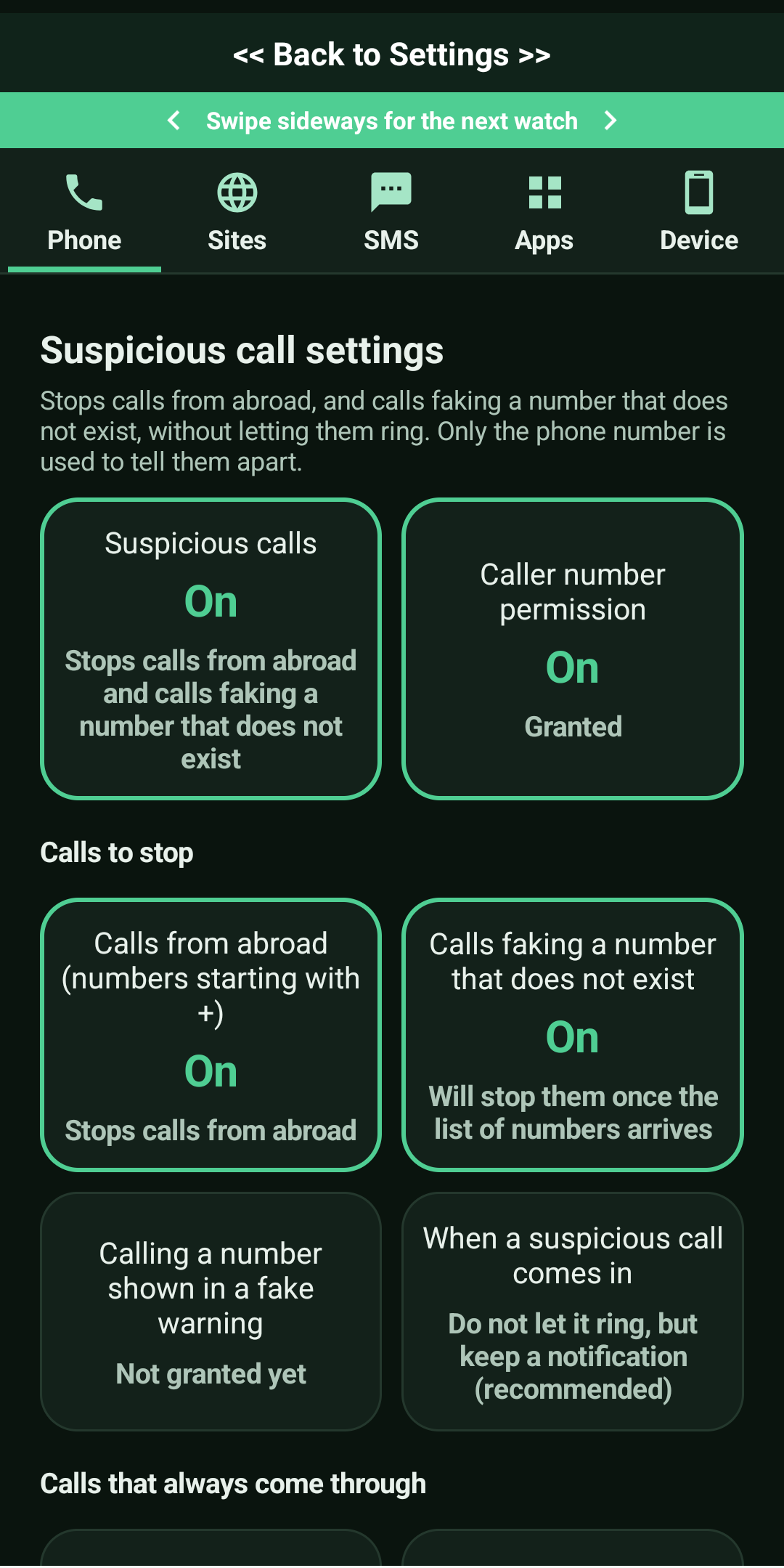
Suspicious call settings
Stops calls from abroad, and calls faking a number that does not exist, without letting them ring. Only the phone number is used to tell them apart.
- Dangerous sites|Stops connections to sites that run scams or show fake warnings, in every browser.
- Device check|Checks how well your device is prepared. The results are never sent anywhere.
Dangerous sites
Stops connections to sites that run scams or show fake warnings, in every browser.
SMS link check
Paste in a message you received and the links inside it are checked for danger. The app never reads the message itself.
App check
Checks whether any remote-control app, or any fake app that did not come from the genuine publisher, is installed. Results never leave the phone.
Big buttons, big letters.
Easy for every age
Choose small, medium or large text for every screen you read. The first screen is just one button.
Big buttons
Large targets, so nobody hesitates.
Text size
Small, medium or large.
Simple setup
Install and press Start.
Results stay here
Findings never leave your device.
Using it is this simple
Install
Get Phone Guardian Security from Google Play.
Press Start
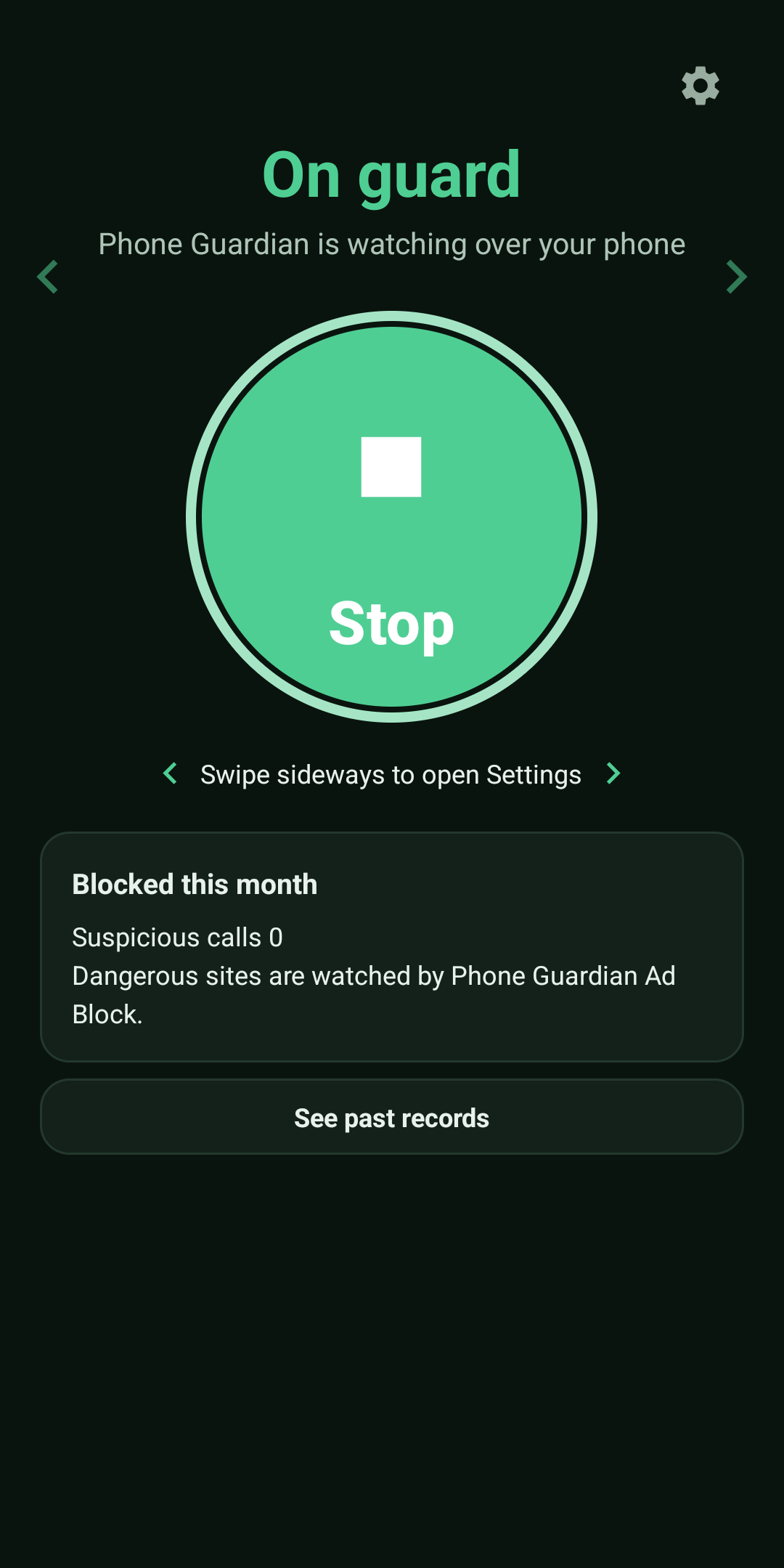
One tap on the big green button, then OK.
Leave it to us
It keeps watching calls, sites, SMS, apps and your device.
Price
Try every feature free for 3 days. To keep using it, pay once. There is no monthly or yearly charge and no auto-renewal.
Phone Guardian Security
300 yen (incl. tax)
3 days free. Nothing is charged during the trial. Because it is a one-time purchase, there is no monthly or yearly fee and no auto-renewal. With the same Google account you do not need to buy again after changing phones (no extra payment). One purchase can be used on one device at a time.
Phone Guardian: Ad BlockerAvailable now
Blocks the web ads, pop-ups and adult ads that get in the way while you browse.
Frequently asked questions
The same content as the FAQ inside the app.
What does this app do?
It watches the doors scams come through: calls, sites, SMS, apps and the device. It stops the kinds of calls used in scams, stops connections to dangerous sites, checks the links in messages you receive, checks for suspicious apps, and confirms how well your device is prepared.
Is this an antivirus app?
No. Virus scanning is already performed daily on every Android device by Google Play Protect. This app focuses on what that does not cover: keeping you out of scams.
Why do you stop calls from abroad?
According to figures published by the National Police Agency of Japan, about three quarters of the phone numbers used in special fraud are numbers from abroad. If you do not usually take calls from abroad, it is safer to stop them. If you have family abroad, you can choose just that country under “Countries that always come through”.
Will important calls be stopped too?
The initial setting is “Do not let it ring, but keep a notification”. The fact that someone called remains in the notification and in the “List of stopped calls”, so you can call back if you need to. Calls from people in your contacts, and from numbers or countries you have set to always come through, ring whatever the setting is.
Why does it need VPN permission?
To stop dangerous sites in every browser, it uses a mechanism that runs inside this phone only (VPN). It never connects to another company's network, and the contents of your traffic are never sent outside.
Does it read calls or text messages?
No. It never touches the content of your calls, the text of your messages, or what is on the pages you look at. Calls are told apart by the number alone and sites by the name of the destination alone, and both finish inside your phone.
Does it help against fake virus warnings (support scams)?
Yes. Most sites that show fake warnings are stopped by the list of dangerous sites. And if you do end up calling a number shown on such a screen, the call is cancelled just before it connects.
Can I check whether a link in a text message is genuine?
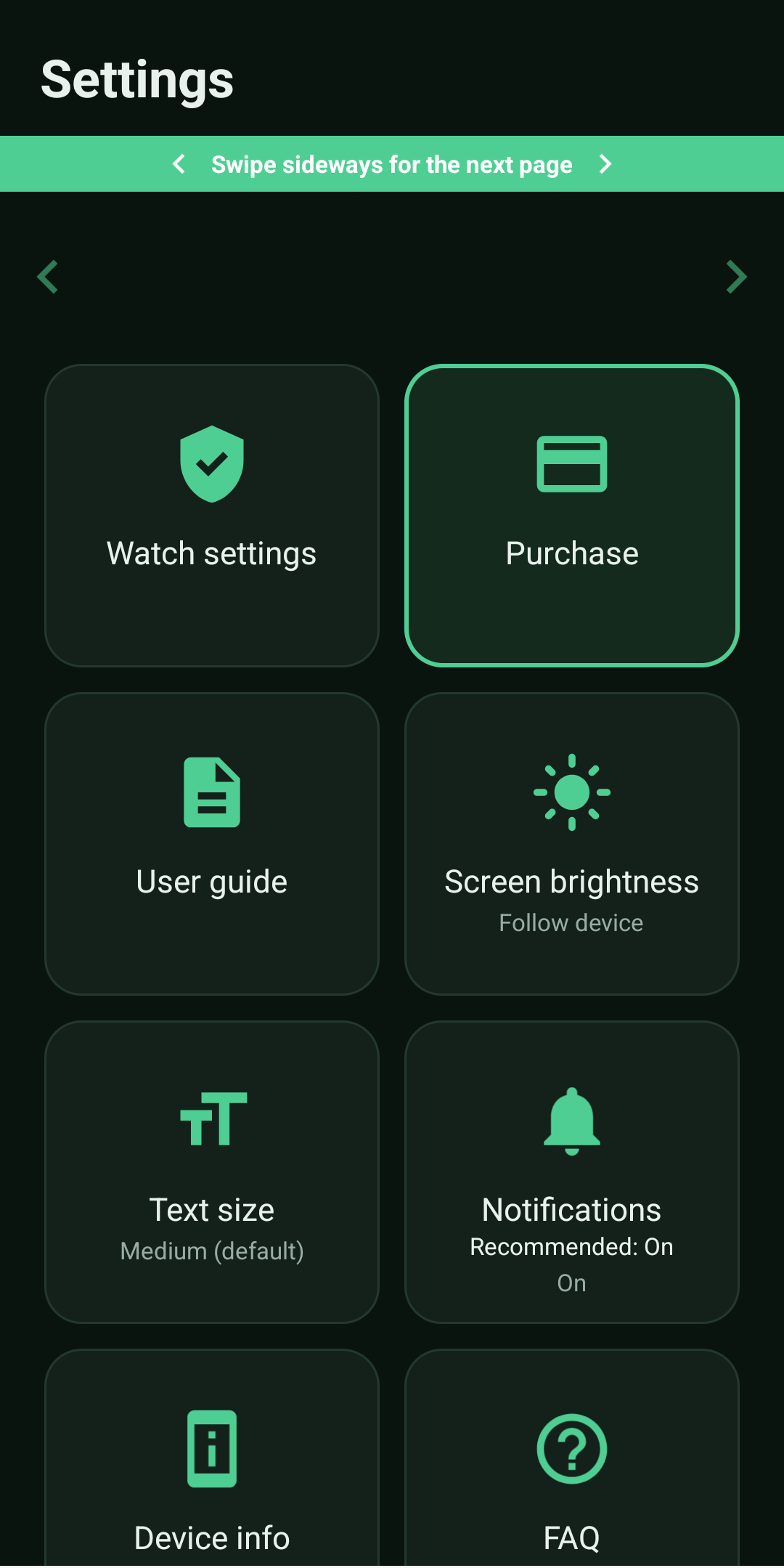
Yes. Go to Settings, then “Watch settings”, then “SMS link check”, and paste in the whole message you received, or share the message to this app. The app finds the links inside the message so you can check them before opening. There is no need to pick out the links yourself. The app never reads the message on its own.
Will it drain the battery?
The call watch only works at the moment a call comes in, so it uses almost no battery. The site watch is a light mechanism that looks only at the entrance of each connection, and it never touches the contents of videos or anything else.
The watch sometimes stops by itself.
Only one site-watching mechanism can run on a phone at a time. If you use a VPN app from another company, the site watch may be cut off. (Phone Guardian Ad Block is the exception: the roles are shared and both work at the same time.) Also, if your phone's power saving stops the app, excluding it from power saving will keep it stable.
Does it cost money? Is it a subscription?
It is not a monthly plan. First you can try every feature free for 3 days. To keep using it, please buy it outright (a single payment of 300 yen). Once you have bought it, you can use it for good with no further charges. With the same Google account there is no need to buy it again after changing phones — just tap “Use on this device” on the purchase screen of the new phone. Note that it can be used on only one device at a time.
What changes after purchase?
Nothing. The features are exactly the same during the trial and after purchase. The purchase simply lets you continue after the free trial ends.
Does it collect personal information?
No. Every judgment finishes inside your phone. The content of your calls, the pages you look at, your contacts and the results of any check are never sent outside. Please see the Privacy Policy for details.
How is it different from Phone Guardian Ad Block? Can I use both?
Phone Guardian Ad Block is an app that removes annoying ads so pages are easier to read; this app is one that keeps you from falling victim to scams. You can use both on the same phone. Because only one site-watching mechanism can run on a phone at a time, when both are installed on the same phone Phone Guardian Ad Block takes the site watch, and this app takes calls, SMS, apps and the device. Sharing the roles this way, the two apps work at the same time.
Can my family use it too?
Yes. However, one purchase can be used on only one device at a time, so if members of your family are to use it on their own devices at the same time, please buy it for each device. When you change to a new phone yourself, there is no need to buy it again: with the same Google account, just tap “Use on this device” on the purchase screen of the new phone and it moves over with no further payment (it then stops on the previous device). Every device can start with the free trial.
Where do I report problems or requests?
Open “Contact” in Settings. Our website's contact form will open; please enter your name, email address and message. We will reply to that address.
Can I use it together with other ad-blocker apps?
They cannot be used together. Android allows only one mechanism that watches traffic (VPN) to run on a phone at a time, so starting another ad blocker or VPN app stops the site watch in this app.
Our own Phone Guardian Ad Block is the one exception. When both are installed on the same phone, the roles are divided automatically — Phone Guardian Ad Block takes the site watch, and this app takes calls, SMS, apps and the device — so the two never compete for the mechanism. If you would like both annoying ads and scams stopped, we recommend Phone Guardian Ad Block.
Contact
Questions and requests are welcome. Please fill in your name, email address, and message.
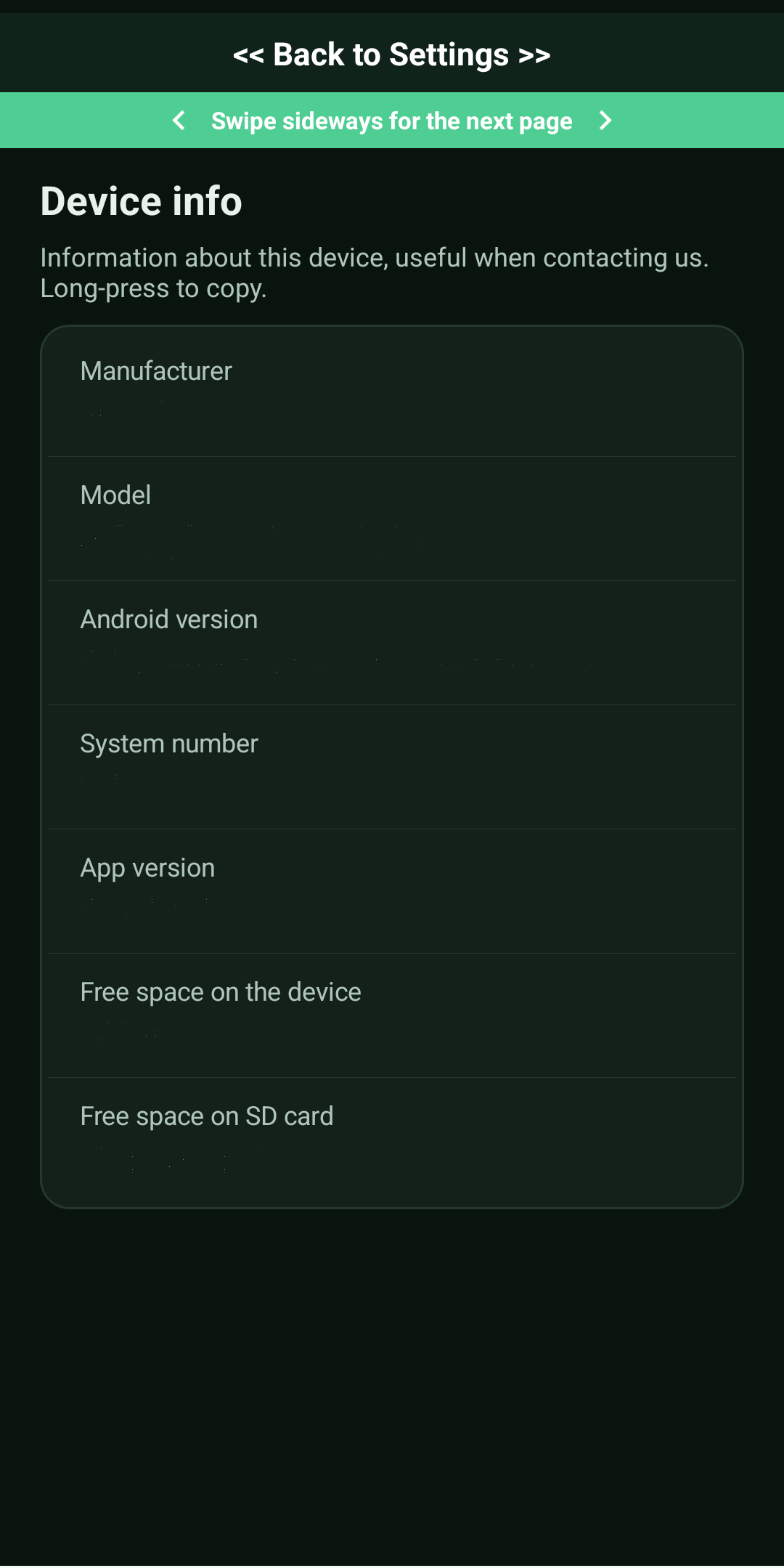
When reporting a problem, attaching the contents of “Settings” → “Device info” in the app (long-press to copy) helps us investigate quickly.
Close the doors that scams use.
One-time payment, 3 days free, no monthly fee. Install it and press Start.
Coming soon on Google Play Google Play および Google Play ロゴは、Google LLC の商標です。Phone Guardian series
Guardians from the same maker, each with a different job.